Managing receipts is an essential part of financial record-keeping for businesses and individuals alike. However, traditional manual receipt data entry often turns this simple task into a time-consuming and error-prone process.. As the volume of receipts grows, so do the challenges lost documents, incorrect data entries, delayed expense reporting, and inefficient workflows.
Because of this Receipt OCR are gaining attention. But how does it compare with traditional manual entry?
Understanding the differences between manual vs automated receipt processing can help organizations choose the most efficient solution for their needs.
What is Receipt OCR and How Does It Work?
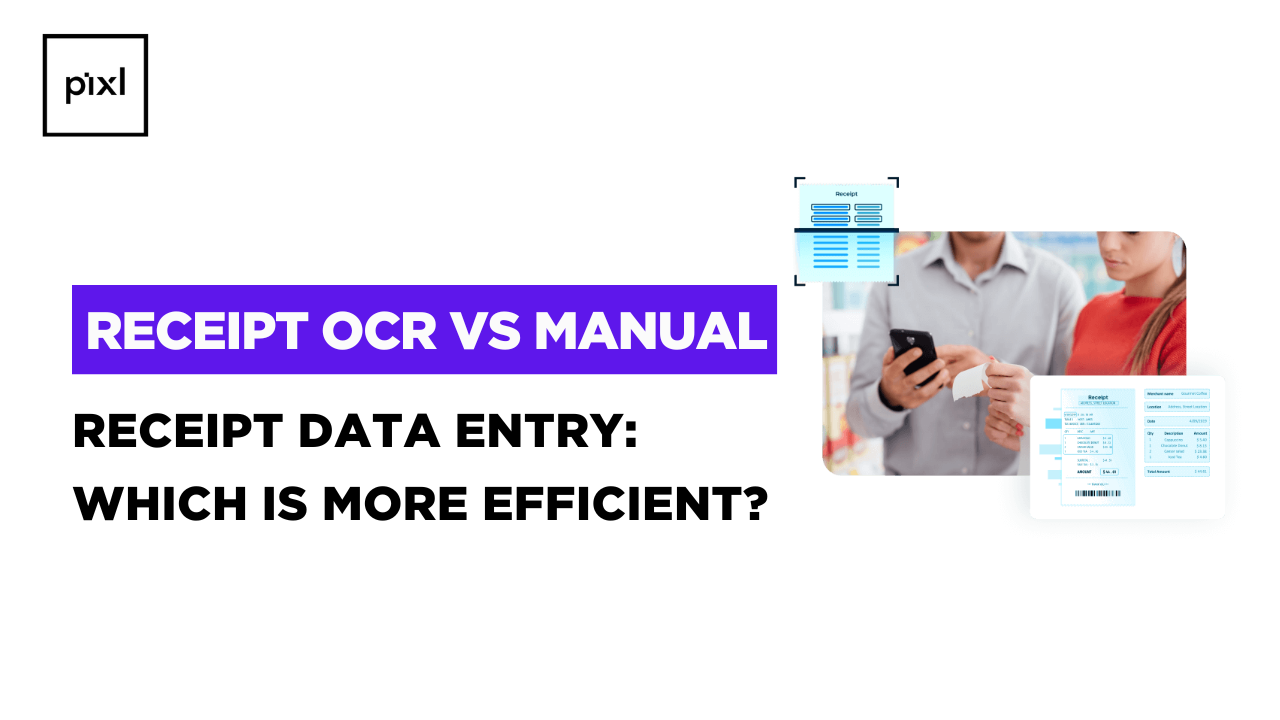
Receipt OCR is a technology that extracts text and data from receipt images or scanned documents. Instead of manually typing details from each receipt, OCR systems automatically detect and capture information such as:
- Store Address
- Store Name
- Total Amount
- Name
- Price
By using OCR for receipts(pillar), businesses can automate the entire receipt processing workflow from capturing receipt images to organizing financial data reducing manual workload and improving operational efficiency.
Manual vs Automated Receipt Processing: Key Differences
When comparing manual vs automated receipt processing, several important factors determine which approach is more efficient. These include time, accuracy, scalability, and overall operational cost.
1. Efficiency and Processing Speed
Manual receipt entry requires employees to read each receipt and type the details into a system. This process can take several minutes per receipt, especially when dealing with long itemized transactions.
In contrast, OCR for receipts can process receipt images within seconds. Once captured through a scanner or mobile device, the OCR system instantly extracts and organizes the data.
Result:
Automated receipt processing dramatically reduces processing time, making it ideal for businesses handling large volumes of transactions.
2. Accuracy and Error Reduction
Human error is one of the biggest drawbacks of manual data entry. Mistyped numbers, missed line items, or incorrect totals can lead to inaccurate financial records and accounting discrepancies.
With OCR for receipts, advanced algorithms automatically identify and extract data fields with high precision. Many systems also include validation checks that verify totals, dates, and transaction details.
Result:
Automated processing improves accuracy and reduces the risk of costly data entry mistakes.
3. Time and Productivity
Manual data entry requires dedicated staff time, which could otherwise be used for more strategic tasks such as financial analysis or budgeting.
By automating receipt extraction, OCR for receipts eliminates repetitive work and allows employees to focus on higher-value activities.
Result:
Businesses can increase productivity while reducing administrative workload.
4. Cost Efficiency
While manual receipt processing may appear inexpensive initially, it often results in hidden costs, including:
- Employee labor hours
- Data correction and reconciliation
- Document storage and management
Automated systems using OCR for receipts reduce these operational costs by streamlining workflows and minimizing manual intervention.
Result:
Over time, automated receipt processing offers significant cost savings for organizations handling large volumes of receipts.
5. Scalability and Business Growth
Manual systems struggle to keep up as businesses grow and transaction volumes increase. Managing hundreds or thousands of receipts each month becomes inefficient and difficult to maintain.
Automated receipt processing systems can easily scale to handle increasing workloads without requiring additional staff.
Result:
OCR-based solutions provide a scalable approach to receipt management for growing organizations.
When Manual Receipt Entry Might Still Work?
Despite the advantages of automation, manual receipt entry may still be suitable for certain situations, such as:
- Small businesses with very low receipt volumes
- Individuals managing personal expenses
- Organizations without digital infrastructure
In these cases, the cost and effort of implementing automation may not provide immediate benefits.
When Receipt OCR is the Better Choice?
For many modern businesses, especially those dealing with large volumes of receipts, OCR for receipts offers clear benefits. Automated processing is particularly beneficial for:
- Accounting and bookkeeping teams
- Companies with frequent employee expense claims
- Travel and logistics businesses
- Retail and e-commerce operations
By automating data extraction and organization, businesses can streamline financial management and improve operational efficiency.
Conclusion
The comparison of manual vs automated receipt processing clearly highlights the growing advantages of automation. Manual receipt entry, while simple, often leads to inefficiencies, errors, and time-consuming workflows.
On the other hand, OCR for receipts automates data extraction, improves accuracy, reduces processing time, and supports scalable financial operations.
For individuals or very small businesses, manual entry may still be manageable. However, organizations that process receipts regularly or handle large transaction volumes will benefit significantly from adopting OCR-based solutions.
As businesses continue to embrace digital transformation, automated receipt processing is quickly becoming the smarter and more efficient approach to managing financial data.