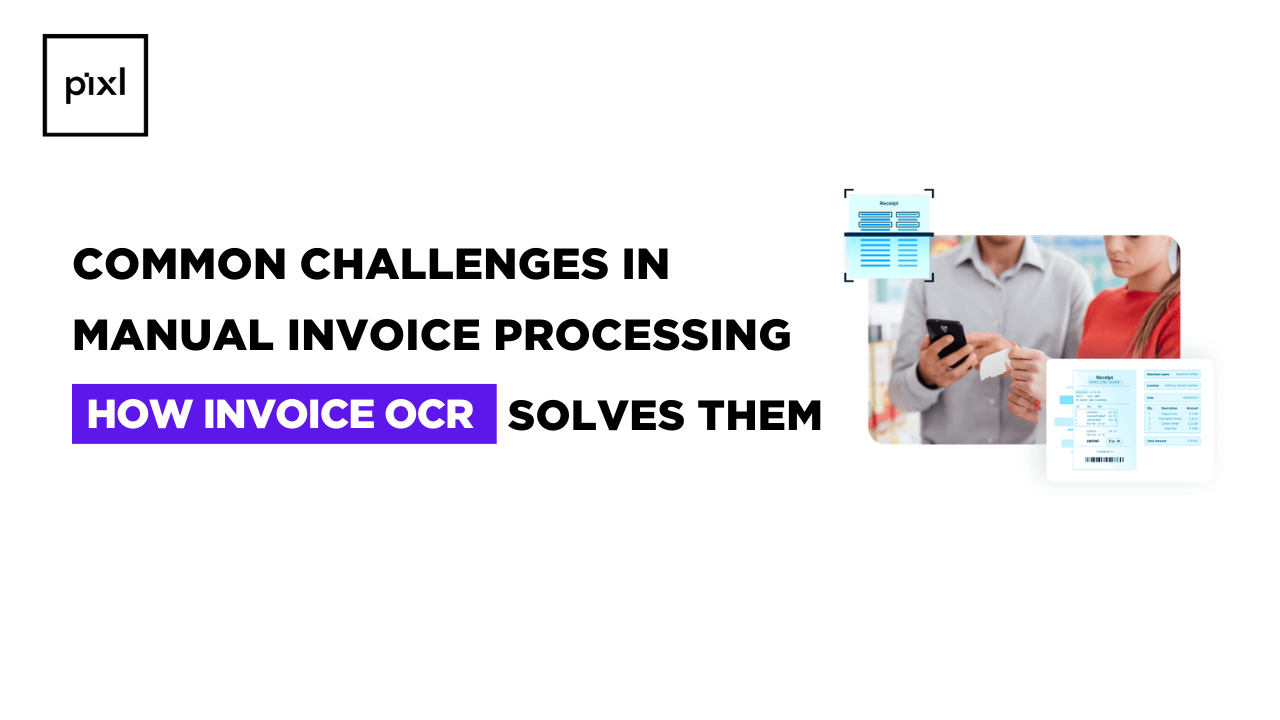
In today’s fast-moving business environment, invoices are more than just payment documents; they are critical records that drive cash flow, compliance, and financial accuracy. Yet many organizations still rely on manual invoice processing, which is slow, error-prone, and difficult to scale. As invoice volumes grow, these inefficiencies can directly impact profitability and vendor relationships.
Invoice OCR (Optical Character Recognition) technology offers a smarter alternative by automatically extracting data from invoices and converting it into structured digital information. Let’s explore the real problems businesses face with manual processing.
What Is Manual Invoice Processing?
Manual invoice processing involves handling invoices by hand, receiving documents via email or paper, entering details into accounting systems, verifying data, routing for approvals, and filing records.
Typical steps include:
- Opening invoices from multiple sources
- Manually typing data into ERP or accounting software
- Matching invoices with purchase orders
- Verifying totals and tax calculations
- Sending for approval
- Storing documents for audit purposes
While this approach may work for very small volumes, it becomes inefficient and risky as businesses grow.
Why Is Manual Invoice Processing a Problem?
Manual processing introduces several operational and financial risks:
1. Human Errors and Data Inaccuracy
Typing mistakes, incorrect amounts, wrong vendor details, or missed line items can lead to payment discrepancies and accounting issues.
2. Slow Processing Time
Each invoice requires individual attention, causing delays in approvals and payments.
3. High Operational Costs
Manual work demands significant staff time, increasing administrative overhead.
4. Lack of Visibility
Tracking invoice status becomes difficult, leading to lost or duplicated invoices.
5. Compliance and Audit Risks
Missing documentation or incorrect records can create serious problems during audits.
6. Vendor Relationship Issues
Late payments due to processing delays can damage trust and lead to penalties.
Who Is Most Affected by Manual Invoice Processing?
Manual methods impact organizations of all sizes, but certain groups feel the burden more intensely:
- Accounts payable teams handling high invoice volumes
- Growing businesses scaling operations
- Large enterprises managing multiple vendors
- Companies operating across locations
- Organizations subject to strict compliance requirements
When Do Manual Processes Become Unsustainable?
Manual processing typically breaks down when:
- Invoice volume increases rapidly
- Businesses expand to new markets
- Vendor networks grow
- Remote or hybrid work models complicate workflows
Real-time financial reporting becomes necessary
Where Do Most Errors Occur?
Common failure points include:
- Data entry mistakes during transcription
- Incorrect tax or currency calculations
- Duplicate invoice processing
- Missing purchase order matching
Misfiled or lost documents
How Invoice OCR Solves These Challenges
Invoice OCR technology transforms invoice processing by automating data capture and validation. Here’s how it addresses each major problem:
Automated Data Extraction
OCR scans invoices and extracts key fields such as:
- Invoice number
- Vendor name
- Invoice date
- Line items
- Tax amounts
- Total payable amount
This eliminates manual typing and reduces errors.
Faster Processing and Approvals
Invoices can be processed in seconds rather than hours, enabling quicker approvals and payments.
Improved Accuracy
Advanced OCR systems use AI to recognize different invoice formats and validate extracted data.
Reduced Operational Costs
Automation frees staff from repetitive tasks, allowing them to focus on strategic work.
Real-Time Visibility
Digital workflows provide instant tracking of invoice status, approvals, and payments.
Better Compliance and Audit Readiness
All documents are securely stored and easily retrievable, simplifying audits and regulatory checks.
Scalability for Growing Businesses
OCR systems can handle thousands of invoices without additional manpower.
Additional Benefits Beyond Problem Solving
Beyond fixing manual inefficiencies, Invoice OCR enables:
- Touchless invoice processing
- Integration with ERP and accounting software
- Fraud detection through validation rules
- Data analytics for spending insights
Improved cash flow management
Conclusion
Manual invoice processing may seem manageable at first, but it quickly becomes a bottleneck as businesses grow. Errors, delays, rising costs, and compliance risks can significantly impact operations and financial health.
Invoice OCR provides a modern solution by automating data extraction, improving accuracy, accelerating workflows, and delivering full visibility into invoice management. Organizations that adopt OCR technology not only eliminate manual pain points but also gain a scalable foundation for efficient financial operations.
In a competitive business landscape, moving from manual processing to intelligent automation is no longer just an upgrade, it’s a necessity for sustainable growth.